Classroom and accounts
One teacher code connects the class
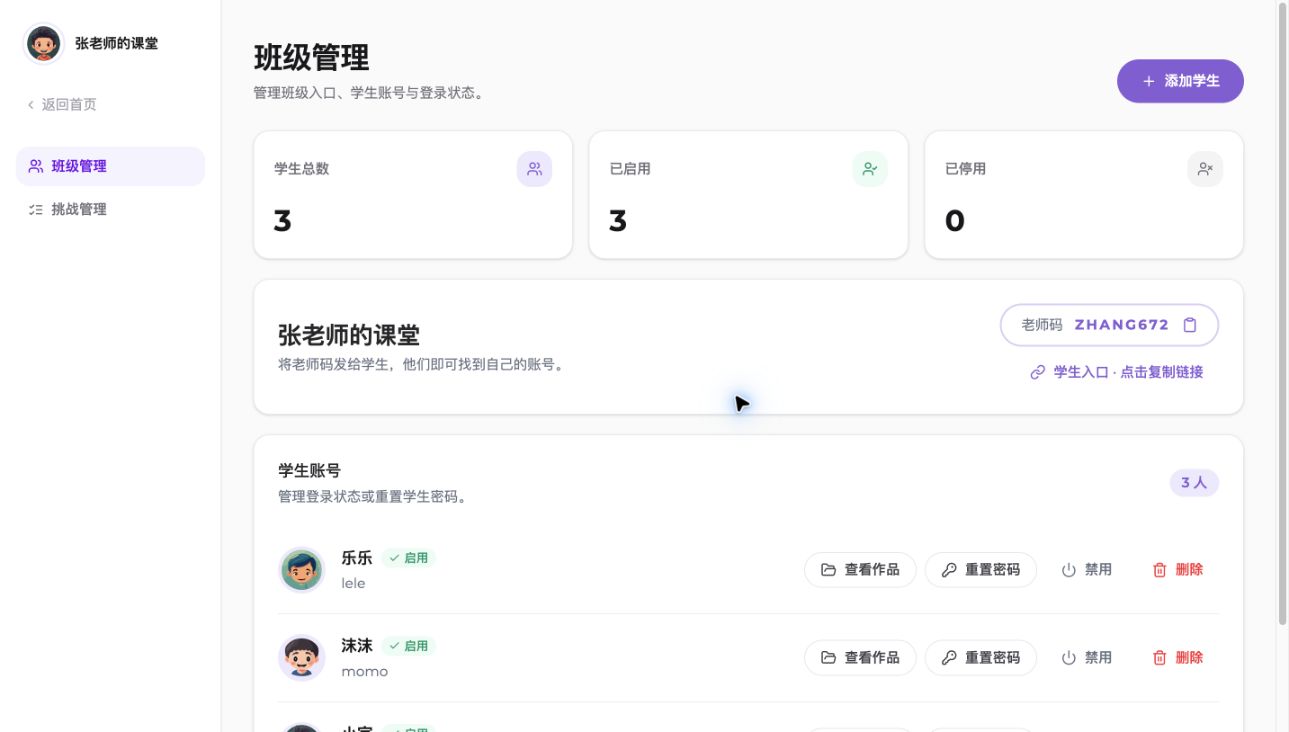
Create and manage student accounts centrally. Students can find their classroom without a phone number or email.
Your AI teaching assistant, available 24/7
Manage students and projects, assign classroom challenges, and make lesson preparation easier.
Easy setup
No complicated setup. Go from a new classroom to student creation in minutes.
Create a classroom and choose an easy teacher code
Create student accounts and manage access in one place
Publish creative challenges and follow student work

The complete student experience
Student accounts include every Coda Coding feature: guided courses, free creation, AI creation, the Arena, and a dedicated Challenge Space for teacher assignments.
Classroom and accounts
Create and manage student accounts centrally. Students can find their classroom without a phone number or email.
Visible creative progress
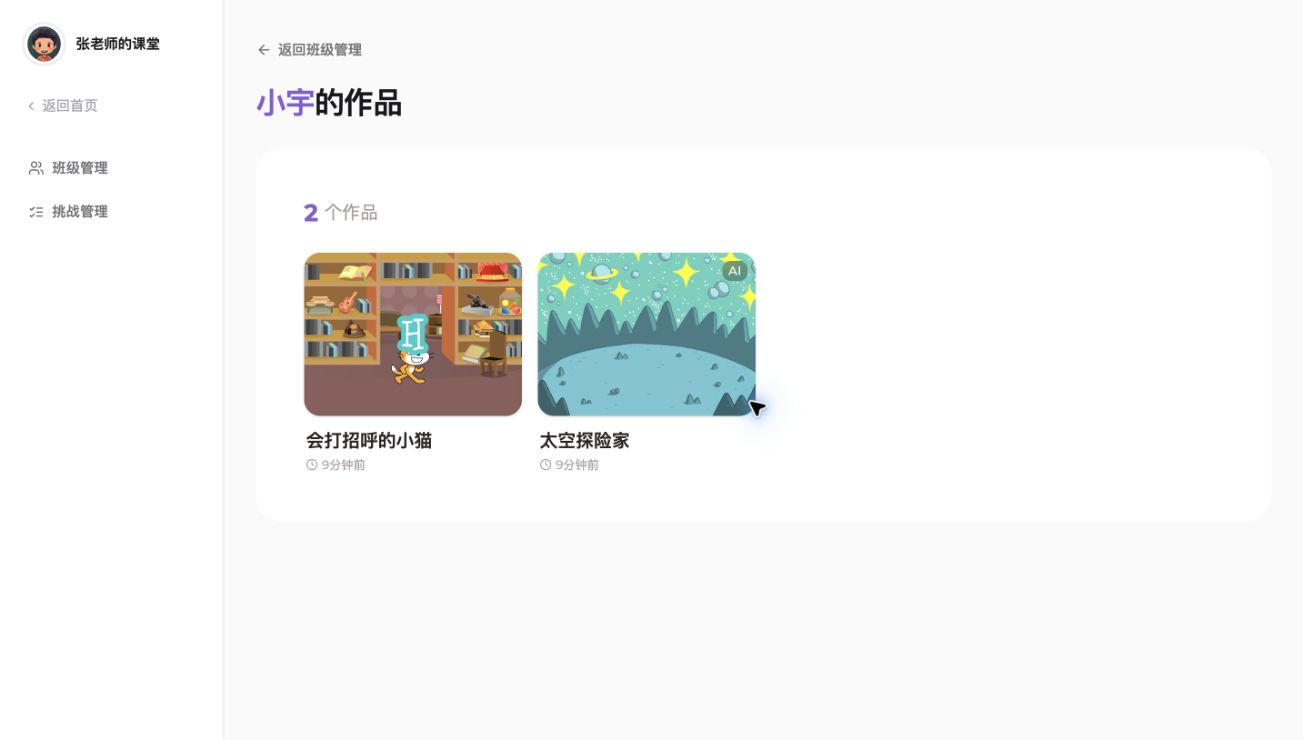
Open projects directly from each student account and quickly understand what they created or updated recently.
Challenge-based learning
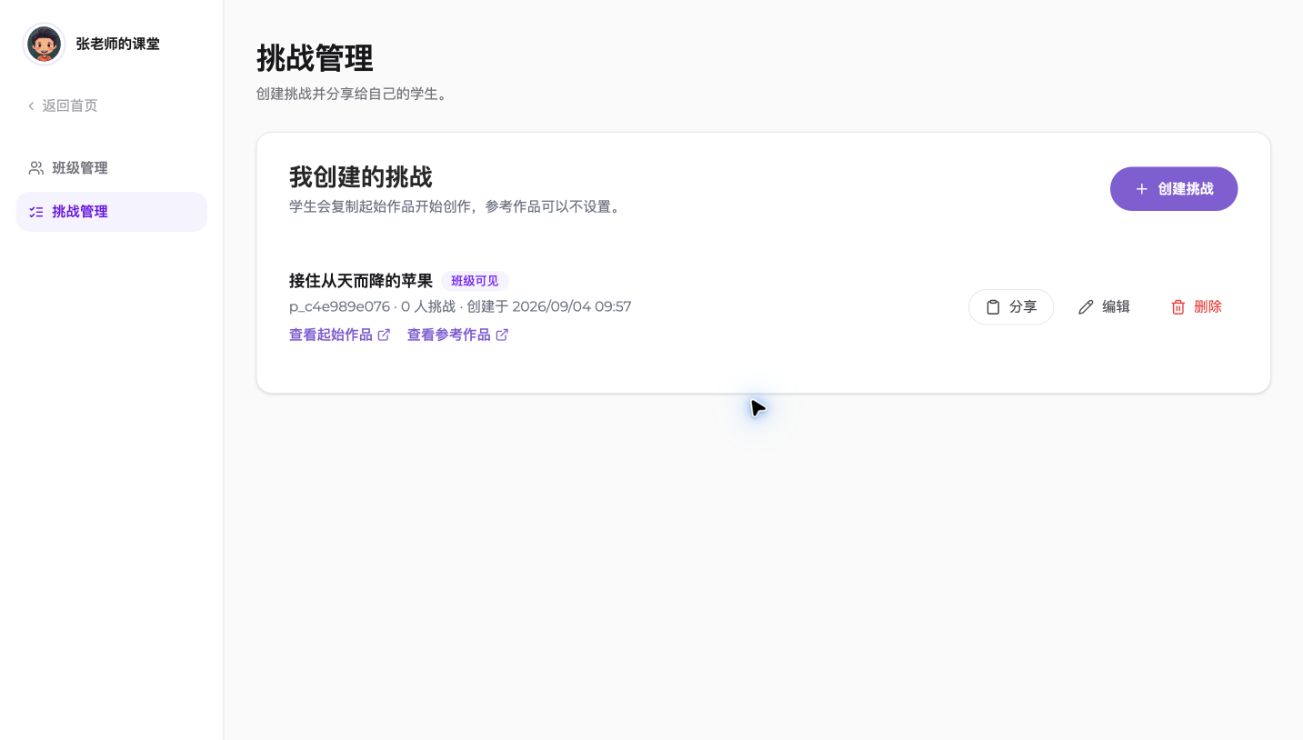
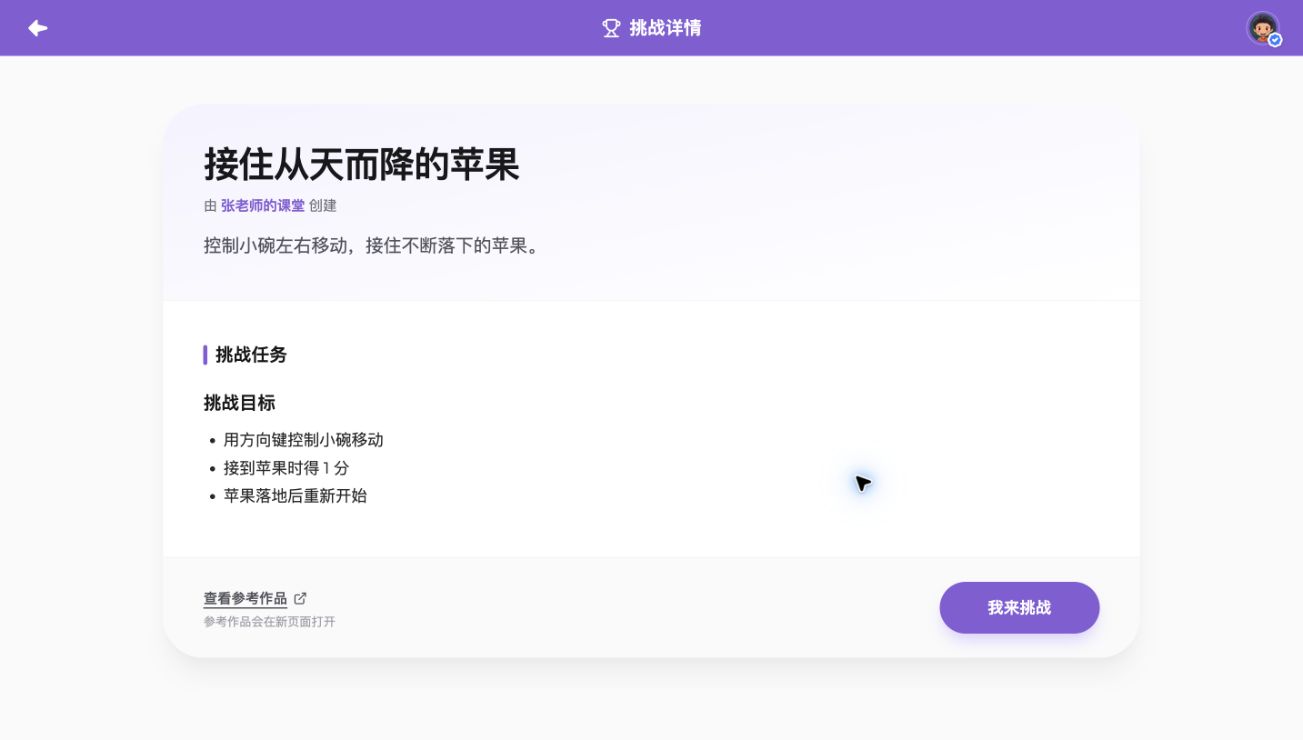
Choose a starter, explain the goal and rules, and optionally attach a reference project for project-based learning.
Enter the classroom
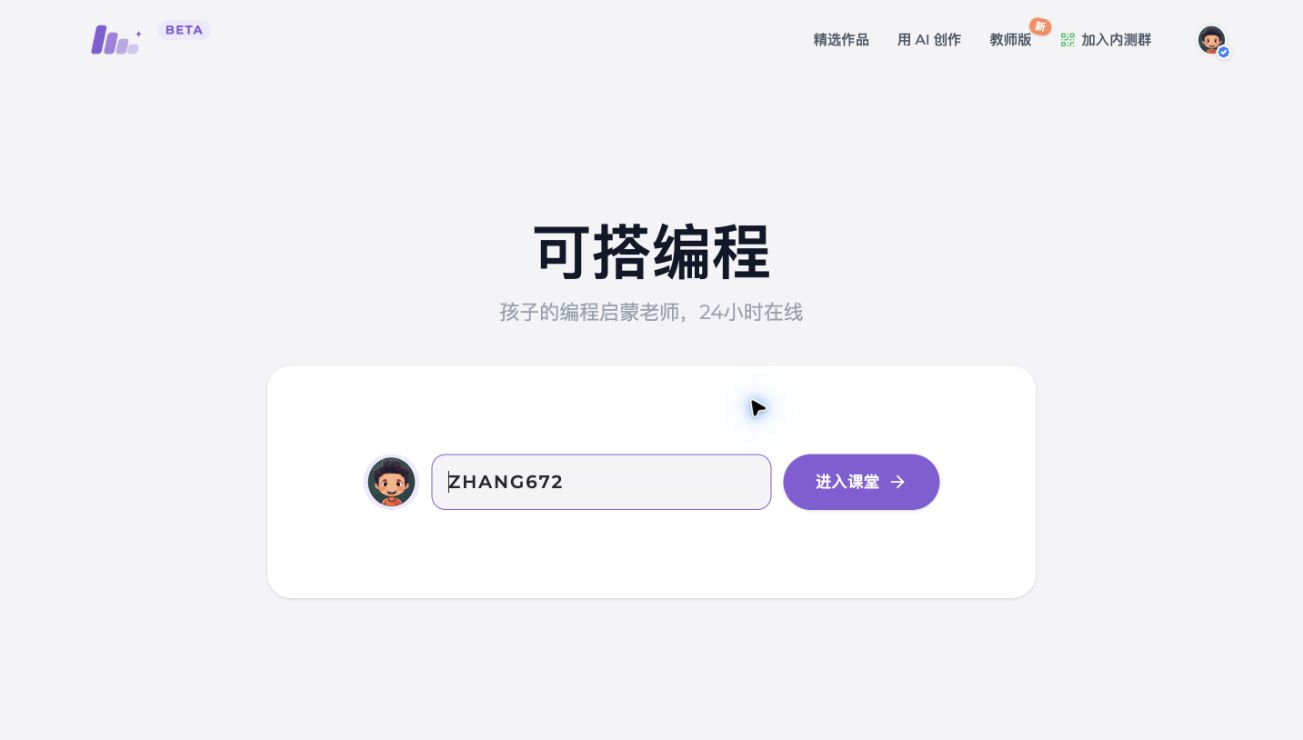
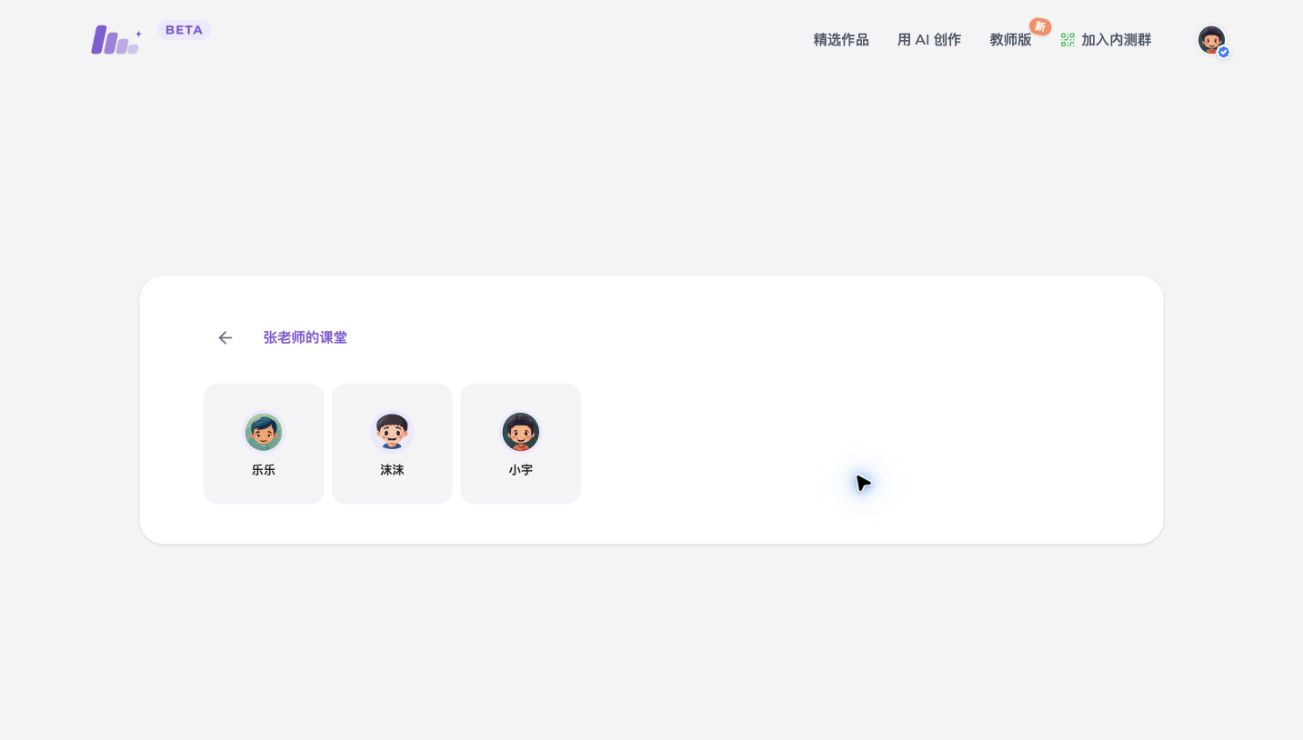
Share a classroom link or teacher code. Students enter the code, see the classroom and classmates, then choose their own avatar to continue signing in.
Student challenges and AI guidance
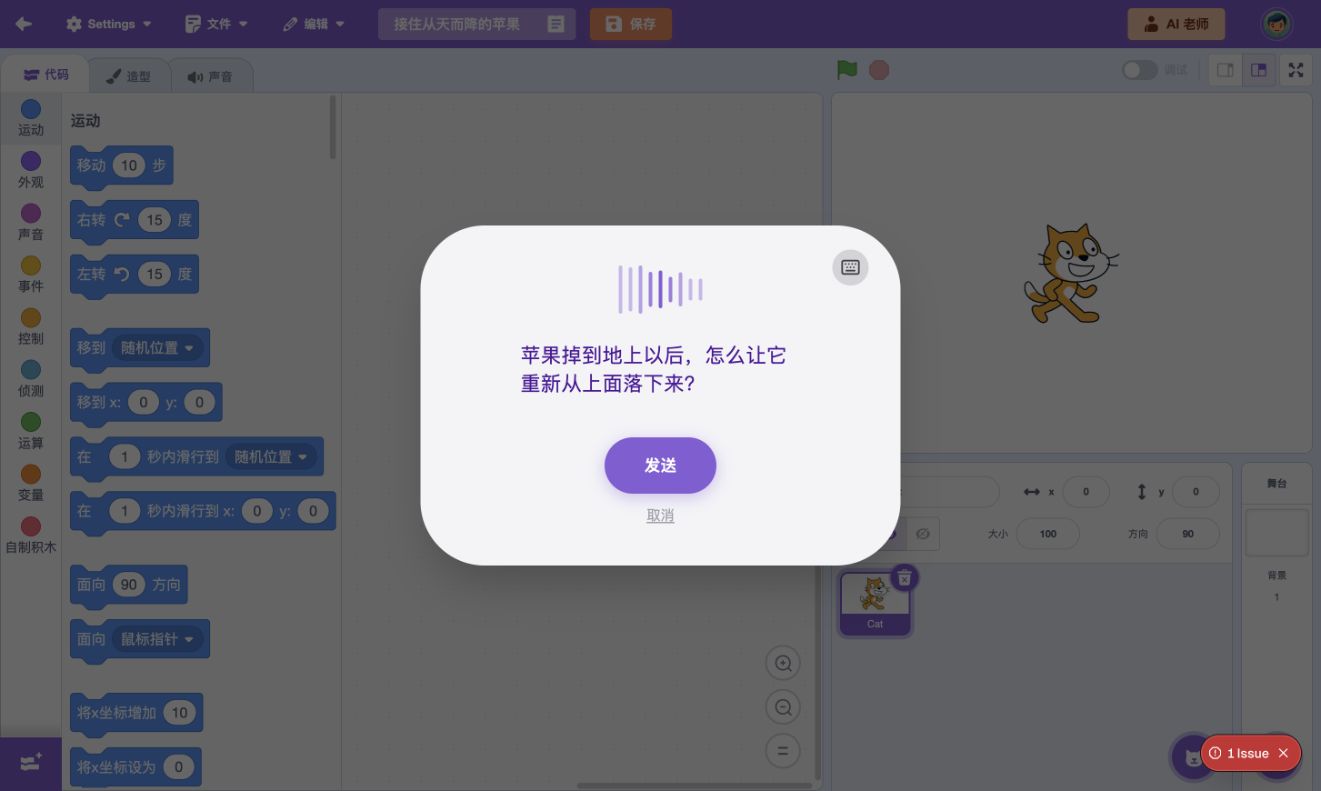
Students copy the starter project and begin creating with one click. When they need help, the AI teaching assistant uses the teacher's challenge goals and instructions to provide relevant guidance.
Get started
Already a teacher? Open your dashboard now, or scan the code to talk with us about getting started.
Open Teacher Dashboard
Scan to chat on WeChat